🔵 Building with Nonprofit Cloud in Salesforce
🌟Nonprofits are busy organizations running on limited resources, and most of them manage their operations across spreadsheets and email chains. Volunteer scheduling, donor tracking, grant applications, and reporting all live in different places, handled by different people, with no single source of truth.
I built this project as a complete Salesforce system for a simulated nonprofit, designed around three roles: the Coordinator who manages volunteers, the Fundraiser who manages donors and grants, and the Executive who needs answers without asking anyone for a report.
Outcome
For the Coordinator
Scheduling a volunteer takes under 2 minutes with automatic conflict checks, confirmation emails, and shift reminders handled by the system.
For the Fundraiser
Lapsed donors are flagged automatically, grants create donation records when awarded, and every outreach email is personalized without manual writing.
For the Executive
A single dashboard answers the two most important operational questions. No reports requested, no waiting.
Details
⚙️ Foundation & Data Model
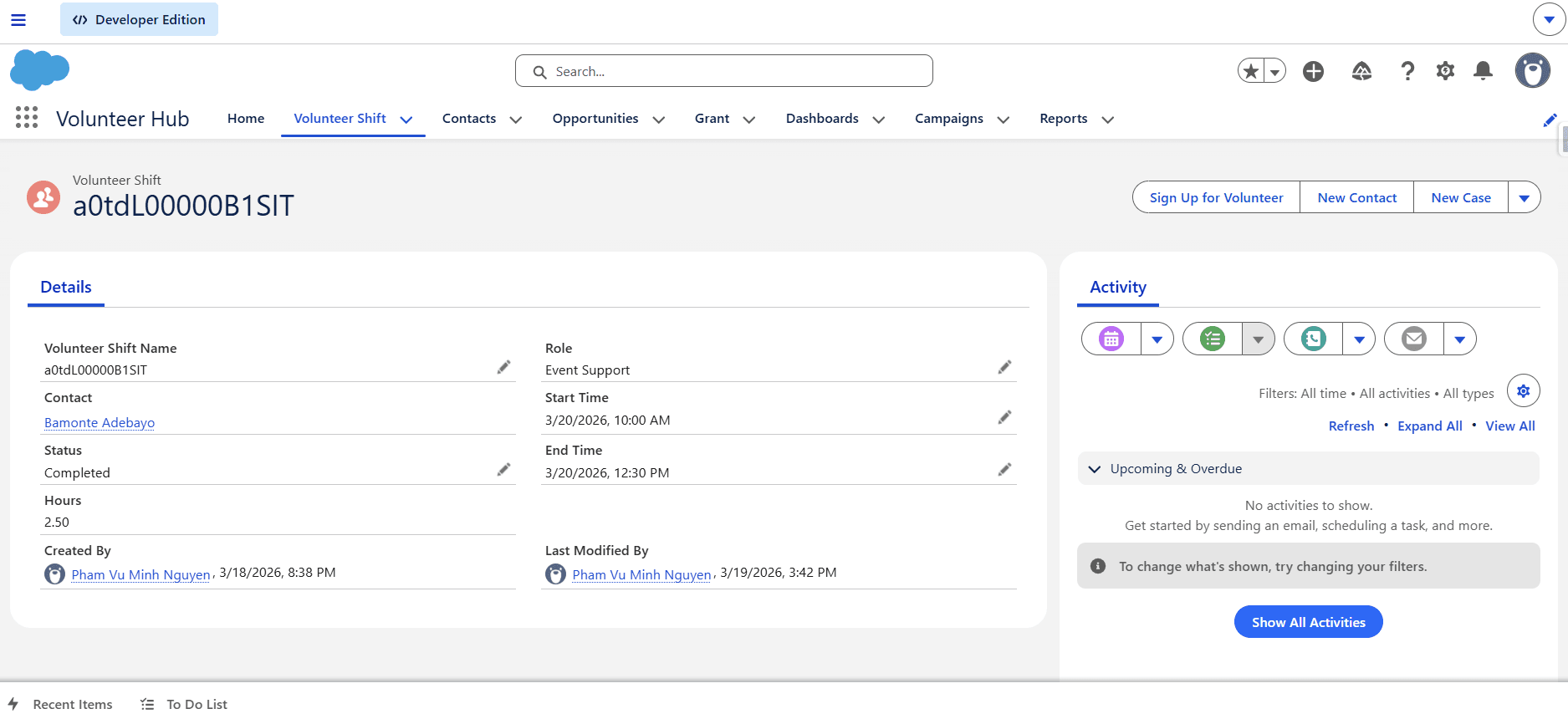
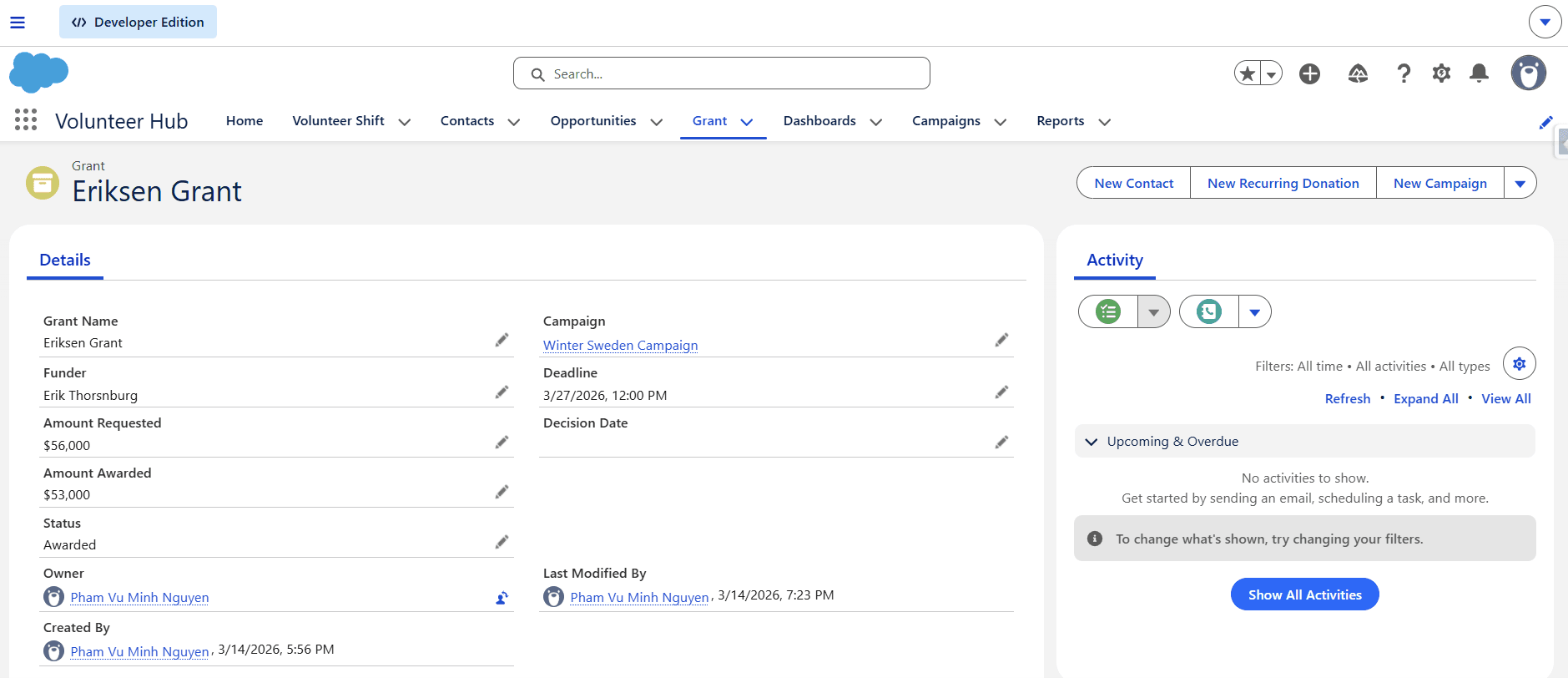
Built on NPSP (Salesforce's nonprofit package), which restructures the platform around individual donors and household giving rather than business accounts. On top of NPSP, I added two custom objects: Volunteer Shifts and Grants. I then connected everything to Campaigns so every dollar and every volunteer hour is tied to the program it serves.
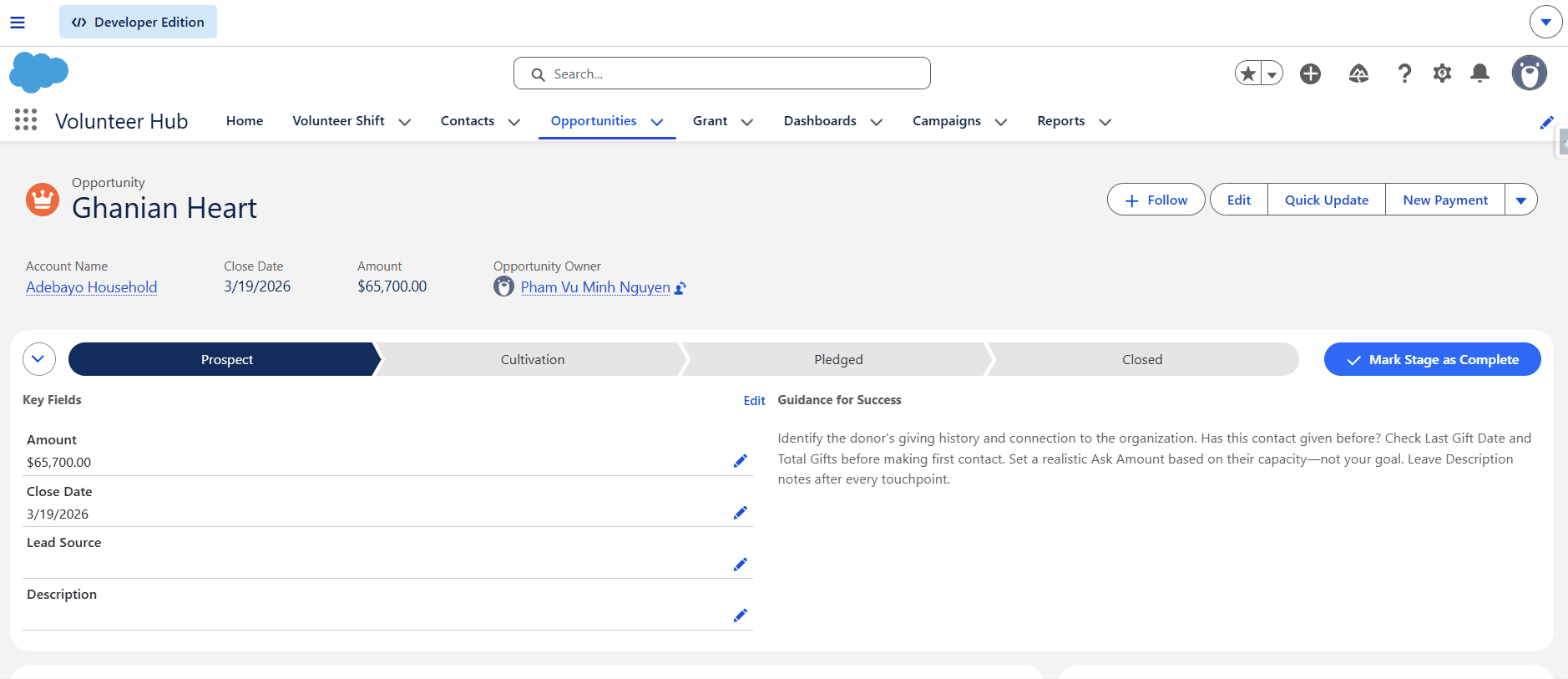
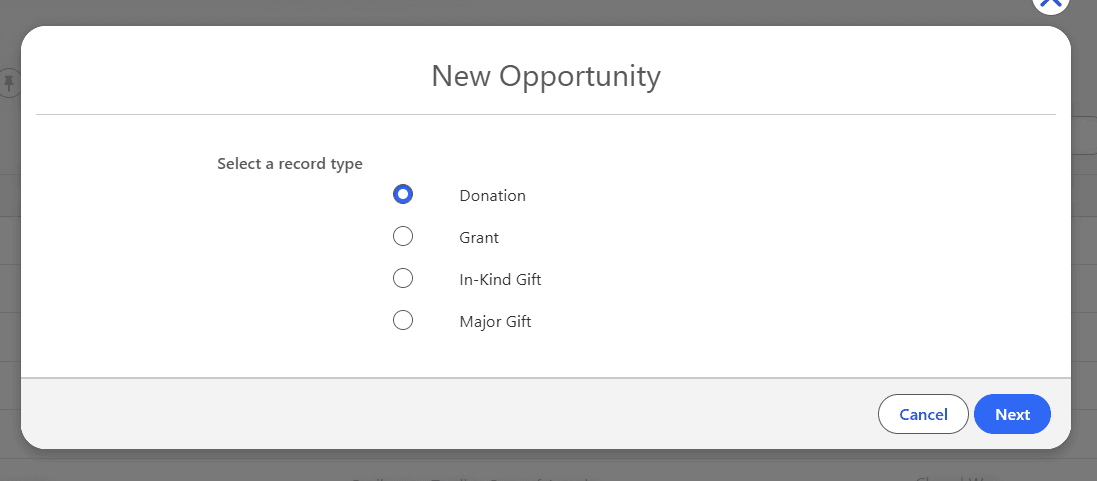
Four donation pipelines (Donation, Grant, Major Gift, In-Kind) each have their own stages and embedded coaching notes so fundraisers know exactly what to do at each step.
🎨 Contact Record—Redesigned for Two Roles
Out of the box, NPSP's Contact page shows 40+ fields with no sense of priority. A volunteer coordinator looking for a volunteer's shift history has to scroll past fields they'll never use.
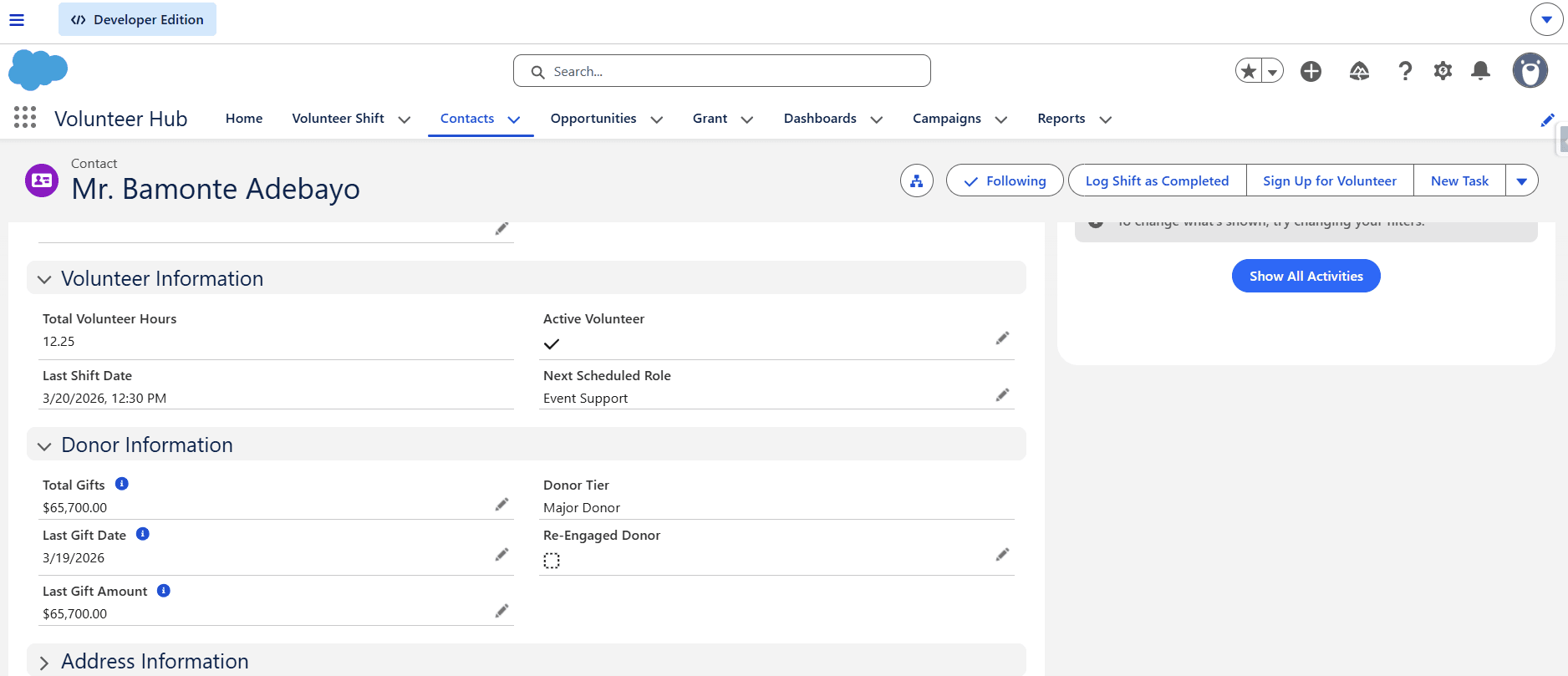
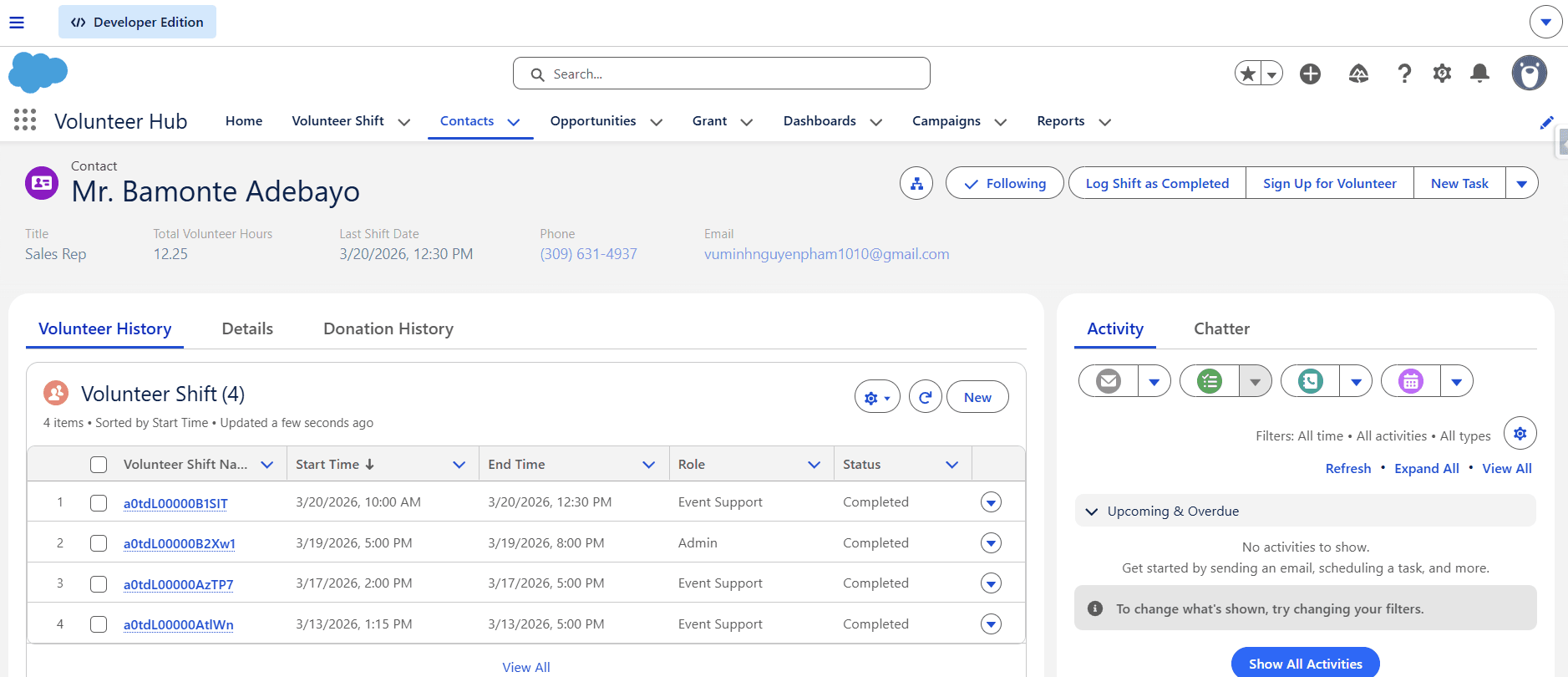
I redesigned the Contact record, removed some default B2B-oriented fields and added two clear sections: Volunteer Profile (hours, upcoming role, last shift) and Donor Profile (total giving, last donation, donor tier). I also split the related tab into Volunteer History and Donation History.
🗓️ Volunteer Scheduling Flow
The Volunteer Scheduling Flow was designed around a coordinator's actual workflow, not around Salesforce's data model. Before building a single screen, I mapped the coordinator's process: find the volunteer, review their history, configure the shift, check for conflicts, confirm and send. Every screen corresponds exactly to one of those steps.
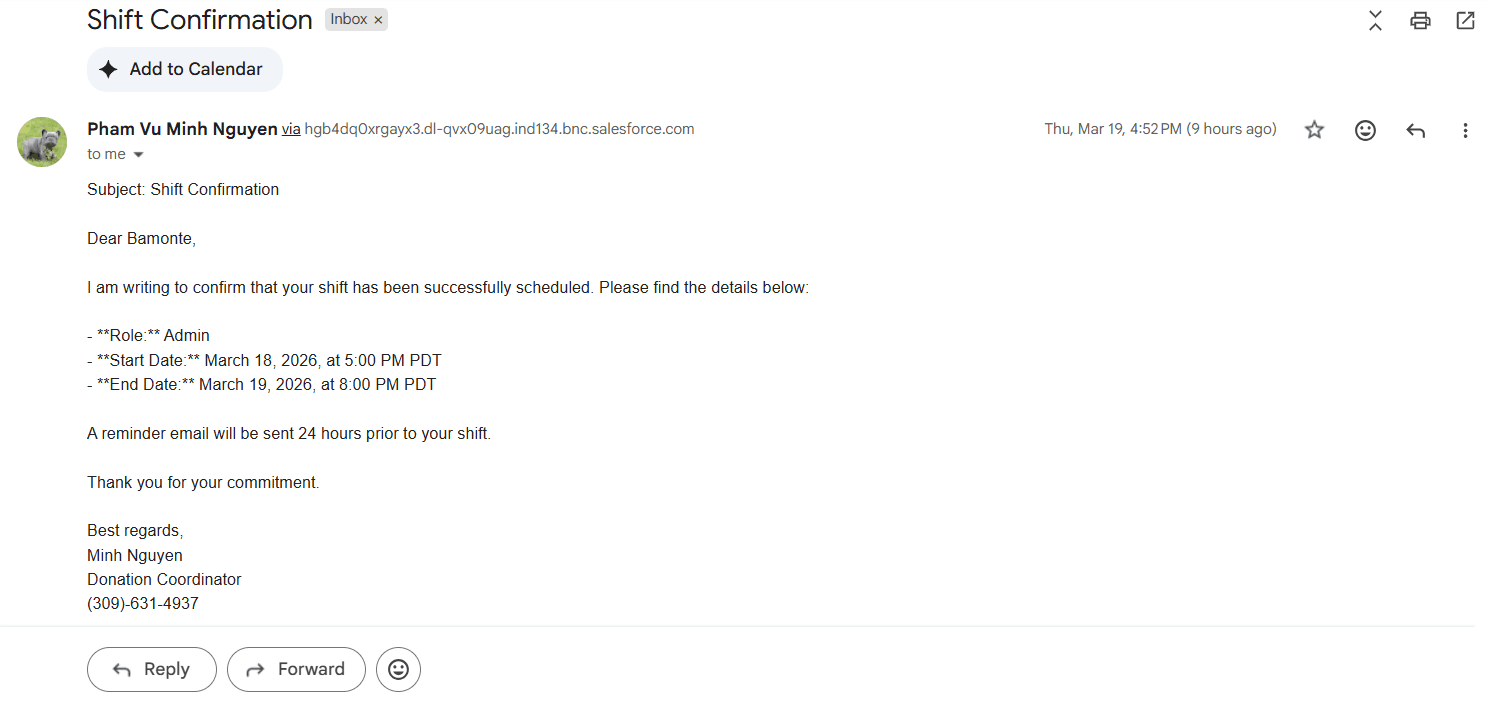
On confirmation, a personalized email goes to the volunteer automatically. The day before every shift, a reminder email goes out without any coordinator involvement.
To help users navigating through the flow and keep them engaged through out the process, I utilize Display Text and Screen Stage features for each screen. I want the Volunteer Scheduling Flow to mimic an actual app rather than a Salesforce flow.
✅ Log Shift Complete: One-Click Action
Marking a shift complete used to mean navigating away from the Contact, finding the right shift record, opening it, and editing the status. Now it's a button on the Contact record.
One click opens a confirmation screen showing the shift details. By clicking “Finish”, the shift is marked complete, the volunteer's total hours update automatically, and their profile reflects the change immediately.
💵 Donor Pipeline & Automated Outreach
Three automated emails run without coordinator involvement: a welcome email for first-time donors, a daily shift reminder for upcoming volunteers, and a monthly re-engagement email for donors who haven't given in over a year.
When a grant is awarded, the system automatically creates a donation record linked to the grant's campaign so grant funding flows directly into financial reporting without anyone having to enter it manually.
📊 Volunteer Hub App & Executive Dashboard
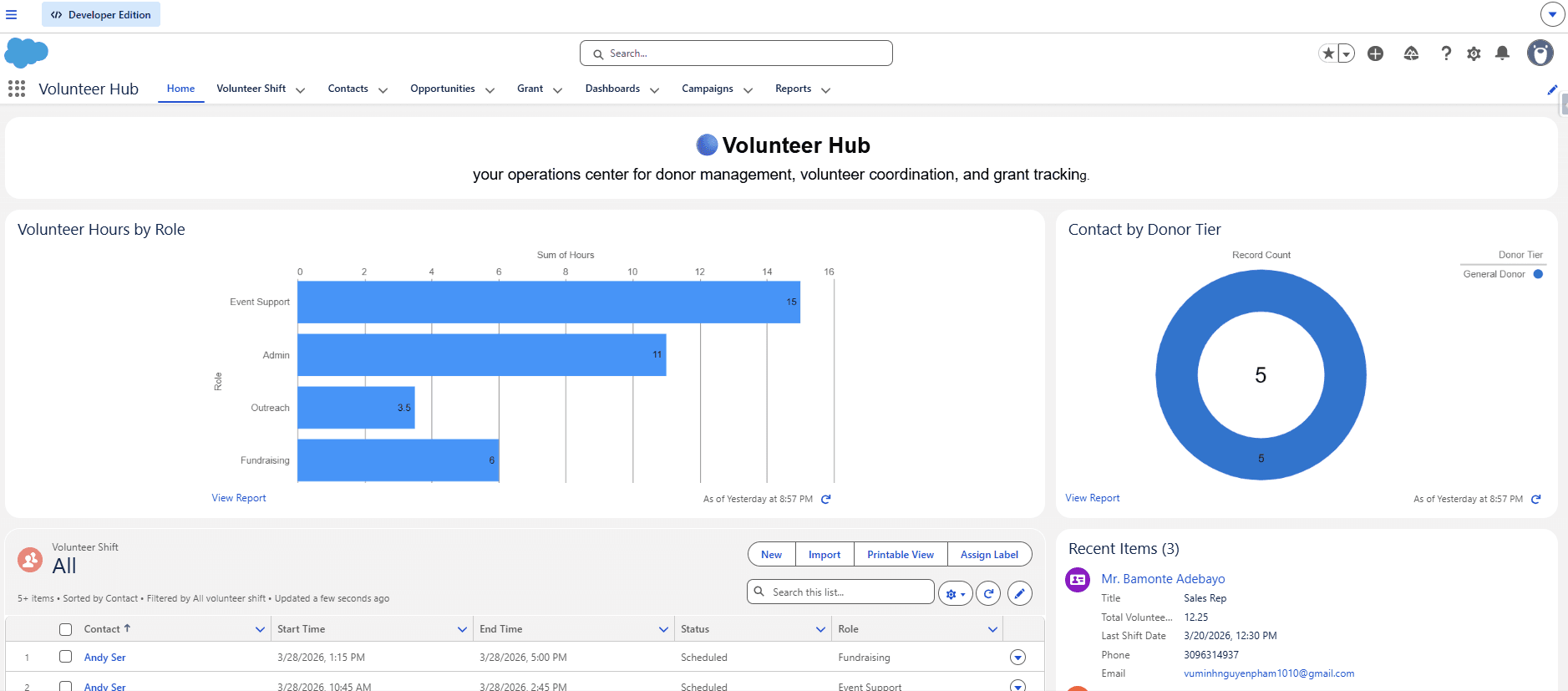
The Volunteer Hub app organizes everything by role—shifts and contacts first for coordinators, grants and donations for fundraisers, dashboards for executives. The home page shows the executive dashboard and management-oriented information of volunteer shifts and recent items at a glance.
The executive dashboard answers two questions without any manual reporting: Which program rely most on volunteer? and Where is our donor base?
Reflection
This is my first time working with NPSP, so besides the initial learning curve when getting used to Salesforce Nonprofit Cloud, setup and configuration for the org was quite straightforward. The thing that I really dived deeper with this project, compared to TechBridge Solutions, was starting with the people before the platform. I mapped each role's workflow before touching a single field or flow, and every decision came back to the same question: does this reduce friction for the person who has to use it? The UX work and the Salesforce work aren't separate: they're the same problem viewed from different angles.